AICoP: Google AI Next-Gen Campus Intelligence
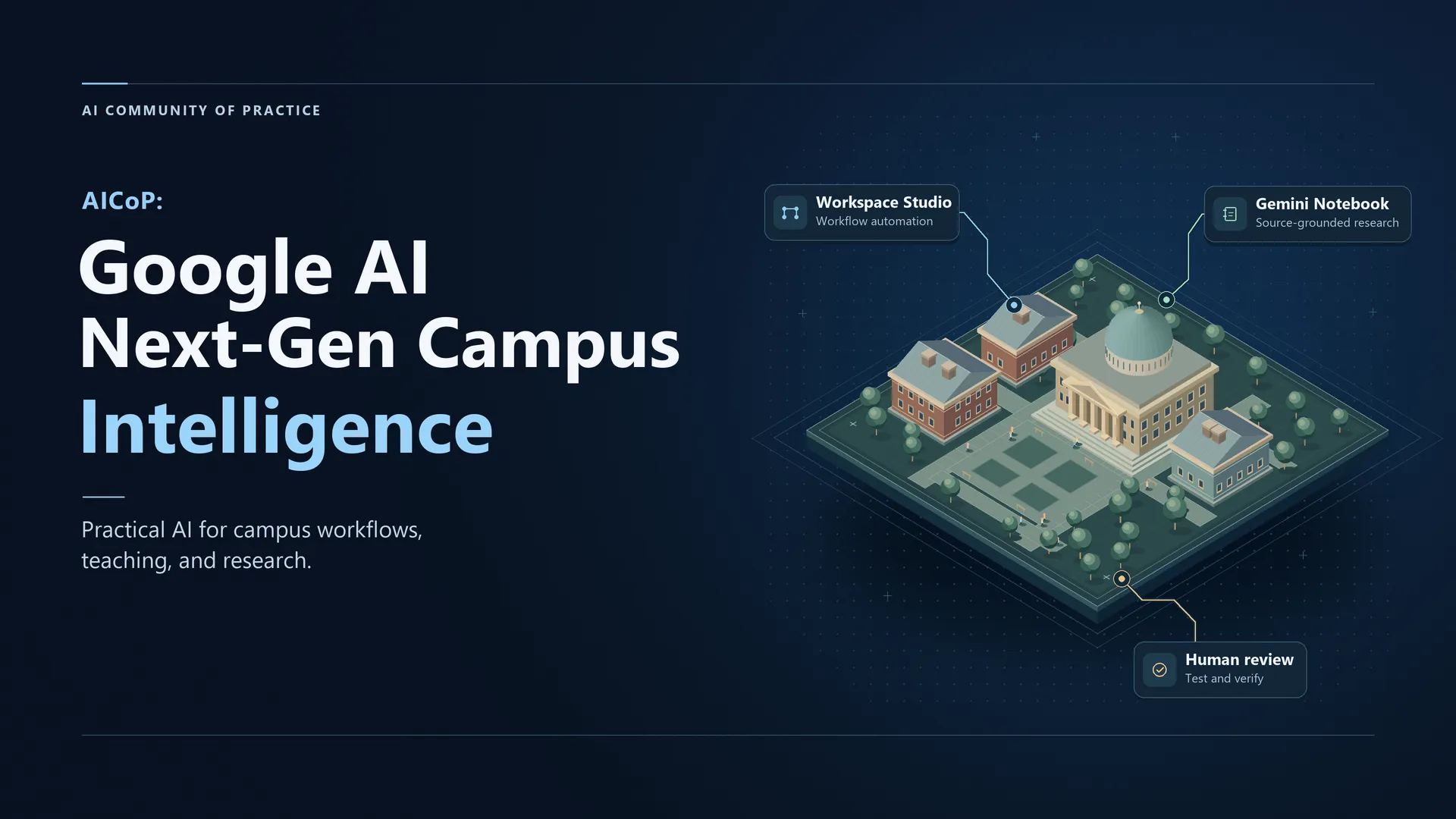
The AI Community of Practice usually meets on the fourth Friday of the month. In November it moved up a week to fit in before Thanksgiving, and the session was built around something practical. Dr. Kate Kieres, an education partner with Kiker Learning, which she said was named Google for Education Partner of the Year in 2024, walked attendees through three Google tools the way she uses them herself. She brought 23 years in K-12 public education and about a decade teaching higher education courses in education leadership. Her approach throughout was simple: show the real thing, then let people try it.
Fluent Isn't Verified
Dr. Kieres opened with a reminder. Generative AI produces answers rather than retrieving them, and its fluency can make an answer look checked when it isn't. Her rule was a human in the loop at every step: verify consequential claims and citations against reliable sources and your own judgment.
She also emphasized which account to use. Under Google's agreements for Workspace for Education, chats and uploaded files in an institutional account are not reviewed by humans or used to train Google's models. Personal Google accounts don't carry those protections. Columbia work belongs in a Columbia account.
Automation Without Code
The first tool was Workspace Studio, which builds automated, multi-step workflows across Gmail, Forms, Sheets, Docs, Drive, Calendar, and Google Chat. Gemini can draft a flow from a plain-language prompt, but Dr. Kieres built her first one by hand. Even a Gemini-drafted flow has to be checked step by step, she explained, so it helps to understand the parts.
Every flow has three. A starter kicks it off: an email arriving, a form submission, a file landing in a folder, or a schedule. Steps carry out the work. Variables move information from one step to the next. Her example was an internship program. When a supervisor submits a feedback form, a "decide" step uses Gemini to judge whether the issue is urgent. If it is, the flow emails the internship coordinator and sends a Google Chat alert. A test run showed each step being checked off live, and the Chat message arrived on screen.
Dr. Kieres then had Gemini build the same flow from a single paragraph. Its version worked a little differently, adding a step to extract details from the form before making the decision, and it still needed her to select the form and run a test. Her advice was to test every flow, keep in mind that test runs execute real actions, and watch the first few live runs. Actions such as sending external email or editing shared files require approval before they go through.
Further examples showed the range. One flow screens incoming accreditation evidence, logs the relevant standard and a description to a spreadsheet, and files the attachment. Another turns agenda-item emails into a running document. A third delivers a summary of the past week's unread email every Monday morning. When she isn't sure how to build something, Dr. Kieres said, she asks Gemini how to build it.
A Notebook for Every Module
The second tool was Gemini Notebook, which Dr. Kieres called one she relies on heavily as an instructor because of source grounding. Gemini draws on everything it knows. A notebook answers from the sources the user curates. Each response carries numbered citations, and clicking one opens the exact passage in the original document. "The notebook is only as good as the sources that we upload," she said.
She builds one notebook per course module, uploading the readings and using it to draft learning objectives, reading-check quizzes, module overviews, case studies, assessment options, and grading rubrics, all of which she reviews and edits before using. The studio panel also produces audio and video overviews, infographics, slide decks with an outline to review first, and interactive learning guides. Notebooks can be shared with colleagues, who can add sources while keeping their chats private. They can also be shared with students, where administrators permit it. Students working in a notebook can take quizzes, and asking for an explanation of an answer takes them back to the source passage it came from.
Research at Scale
For researchers, Dr. Kieres showed a notebook of about 15 peer-reviewed 2026 articles on AI in higher education. She asked it to compare how the studies define the point where AI stops supporting self-regulated learning and starts encouraging cognitive offloading. The response was a cited synthesis plus a table of the studies' statistical methods. A second prompt mapped the frameworks and authors cited across three or more articles to the studies that build on them. That kind of work normally takes days for a literature review, a capstone, or a dissertation. Responses can be saved as notes and used as sources in later prompts.
The last step connected the tools. Notebooks are capped at 100 sources, but in Gemini, users can attach several notebooks to a single prompt. That combines Gemini's broader capabilities with the grounding of curated material.
Questions
Questions focused on control. One attendee asked how to fix inaccuracies in generated videos. Dr. Kieres pointed to a new option that shows an outline and summary of the video before it's produced, though sometimes regenerating is still the answer. Asked whether notebooks support embedded polls, she said she hasn't seen that feature.
Takeaway
The session's two halves made a single point. Workspace Studio shows that routine administrative work can be automated by anyone who can describe it in steps. Gemini Notebook shows that AI-generated material is most useful when every claim traces back to a source a person chose and can check. Both depend on the habit the community has returned to all fall: test it, check it, and keep a person in charge of what goes out.
The recording and slides will be shared early next week and posted on the AI Community of Practice page. Dr. Kieres also recommended Google's AI educator series, short self-paced trainings that include a badge on making research more accessible to students. The December session will also be moved earlier for the holidays. Anyone interested in presenting can contact the team at [email protected].